


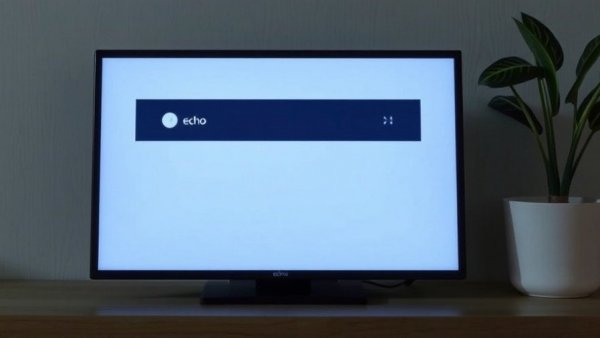
Is Your Echo Show Display Too Cluttered? Here Are Some Fixes!
If your Echo Show is cluttered with AI-generated ads, you're not alone. With the recent introduction of the new Echo Show 16, many users are experiencing a surge in unwanted content on their smart displays. These ads, often vague and irrelevant, can detract from your overall experience. Luckily, with a few simple changes, you can regain control over what your smart display presents.
Understanding the Rise of AI-Generated Content
The influx of AI-generated ads on devices like the Echo Show raises questions about personalization and user experience. As Amazon expands its use of AI, these ads seem to be generalized and poorly targeted, making them annoying rather than helpful. Many users report being bombarded with slides that don’t resonate with their interests, such as inane facts or generic promotional content. By tweaking settings, you can not only remove unwanted ads but also fine-tune your Echo Show to feature more relevant content.
The Quick Path to Better Content
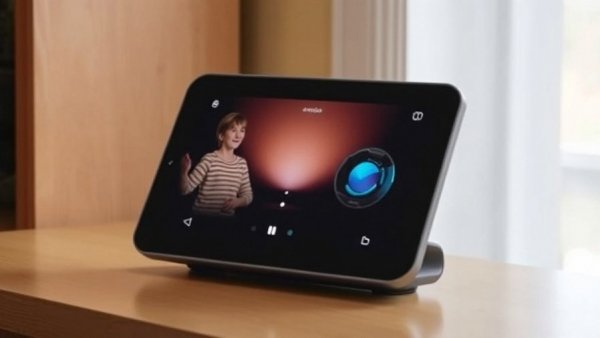
To enhance your Echo Show display, consider using the device's touchscreen for adjustments. While the Alexa app offers setting options, the touchscreen provides a more intuitive way to navigate preferences. Tapping the three-dot menu when an AI slide appears and indicating your dislike is a great starting point. Following this, access the settings menu by swiping down from the top of the display, selecting 'Display & Appearance,' and then navigating to 'Content Categories.'
Settings to Customize Your Echo Show Experience
You have the option to manually turn off categories that typically feature AI slop. This can significantly reduce the irrelevant content shown, allowing you to focus on what's truly engaging. Another tip is to toggle your display settings to show certain types of content only once. This minimizes repetition and keeps your screen fresh with interesting material aligned with your preferences.
Focusing on Visuals That Matter
If you're tired of the AI-generated images altogether, you might consider switching your Echo Show to display only a curated photo album. This not only personalizes your device but also ensures that the visual content you see is meaningful to you and your family. Accessing Alexa recommendations can also be beneficial; they can range from recipes to updates, effectively utilizing your device's full potential.
The Bigger Picture: Smart Home Integration
As affluent homeowners increasingly integrate smart technologies in kitchen renovations and other living spaces, it's important to ensure your devices work harmoniously. AI-generated content should enrich your home experience rather than detract from it. From high-end appliances to smart kitchen gadgets, these should enhance the functionality and aesthetic of your upscale home while promoting sustainability and efficiency.
Creating a seamless blend of tech and design can provide luxury and modernity to any home's environment. That means not just tolerating AI interruptions but actively engaging with technology that enhances your daily life.
Your turn to take charge! If you've been frustrated by irrelevant ads on your Echo Show, follow these tips to curate a smarter, more efficient display experience. It's about making your home smarter while embracing the appealing aspects of high-end kitchen design. Discover your style, take control of technology, and watch how it transforms your everyday interactions.




Write A Comment